
Forbidden
Overview
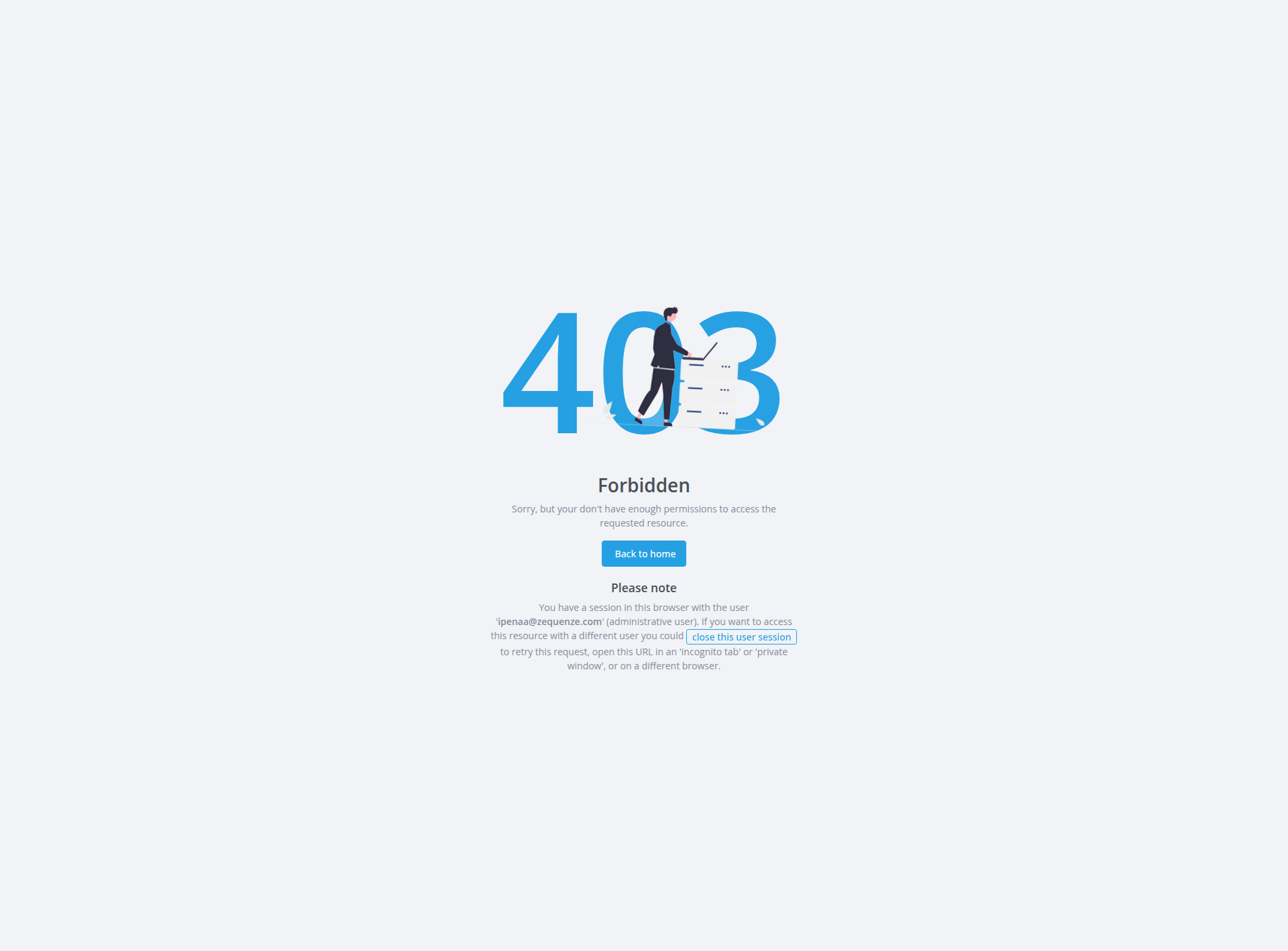
This page displays a 403 Forbidden error in the Zequenze Control Portal, specifically when attempting to access the page variable resource. The error indicates that the current user session does not have sufficient permissions to access the requested administrative resource for viewing page variable data.
Key Features
- Error Status Display: Shows HTTP 403 Forbidden error code prominently
- User Session Detection: Identifies active user sessions and provides session management options
- Permission Context: Explains the specific permission limitation encountered
- Navigation Recovery: Provides options to return to accessible areas of the portal
UI Elements
Error Display
- Large "403" Number: Prominently displayed error code with blue styling
- "Forbidden" Heading: Clear error type identification
- Error Description: Explanatory text stating insufficient permissions
Action Buttons
- "Back to home" Button: Blue button allowing users to return to the main portal dashboard
- "Close this user session" Link: Option to terminate the current user session
Session Information Panel
- User Session Notice: Gray informational box showing current session details
- Username Display: Shows the logged-in user as "ipenaa@zequenze.com" (administrative user)
- Alternative Access Suggestions: Recommendations for accessing the resource with different credentials
User Interactions
Primary Actions
- Return to Dashboard: Click "Back to home" to navigate to the main portal area
- Session Management: Click "close this user session" to log out the current user
- Browser Options: Open URL in incognito/private browsing mode for different user access
Alternative Access Methods
- Use incognito or private browsing window
- Access from a different browser
- Log in with different user credentials that have appropriate permissions
Navigation
Current Location
-
URL Path:
/admin/portal/page/1/variable/ - Section: Page Variable Management
- Access Level: Requires elevated administrative privileges for page variable configuration
Available Navigation
- Back to Home: Returns to main portal dashboard
- Session Reset: Allows re-authentication with different credentials
Data Displayed
Error Information
- HTTP Status: 403 Forbidden
- Resource: Page Variable Management interface
- Permission Level: Administrative access required for page variable configuration and management features
Session Data
- Current User: ipenaa@zequenze.com
- User Type: Administrative user (insufficient privileges for this specific resource)
- Session Status: Active but restricted
Actions Available
Immediate Actions
Resolution Steps
- Contact system administrator for elevated permissions to page variable management
- Verify user role assignments for portal configuration features
- Use alternative browser session with appropriate credentials
- Request access to page variable configuration and management capabilities
Notes/Tips
Important Considerations
- Permission Hierarchy: Even administrative users may have role-based restrictions for specific portal management features
- Security Design: The 403 error indicates proper access control implementation for page variable management
- Session Persistence: Current session remains active; closing it allows fresh authentication
Best Practices
- Access Management: Verify required permissions before attempting to access page variable configuration
- Session Security: Use private browsing when testing different user credentials
- Error Resolution: Contact system administrators for permission escalation requests for portal management tools
Technical Context
- Resource Protection: Page variable management requires specific administrative privileges
- User Role Validation: System properly validates user permissions before granting access to portal configuration data
- Secure Access Control: Error page provides helpful guidance while maintaining security protocols for page variable management features
No comments to display
No comments to display