
Available steps for management scripts in task elements
Set Value in Objects
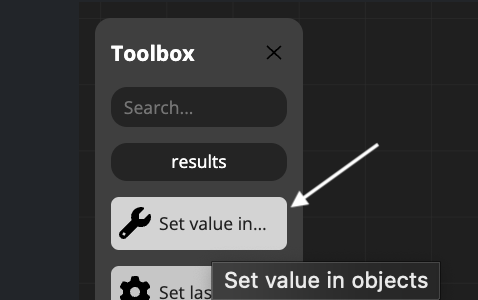
This step allows you to assign different types of values to three available object types within your management scripts.
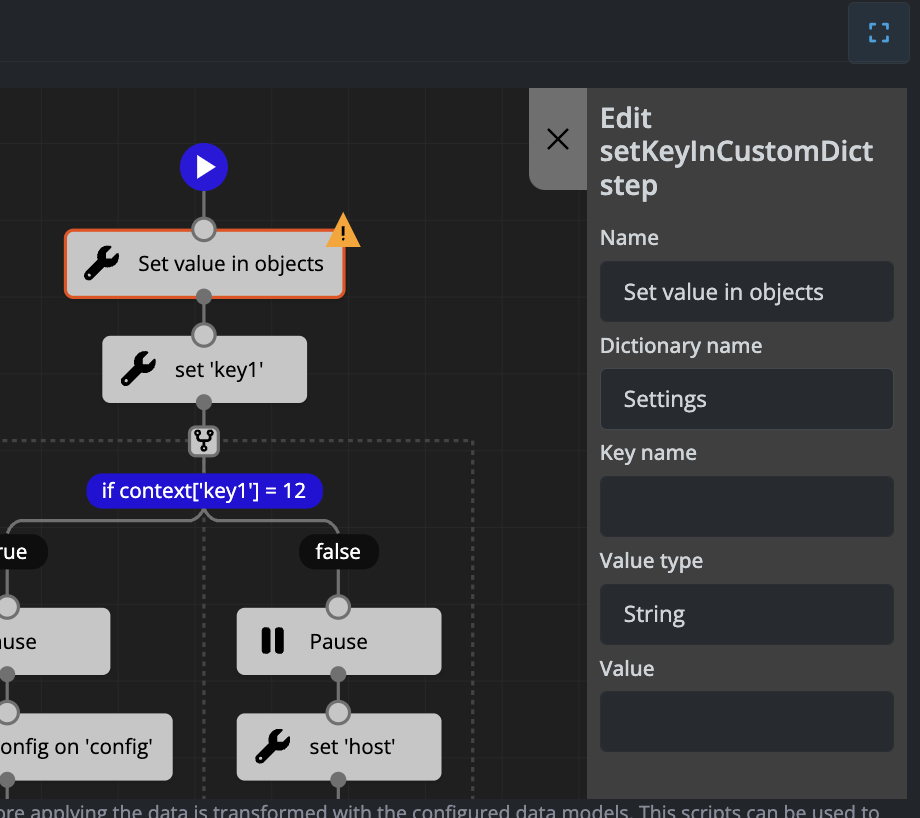
Available Objects
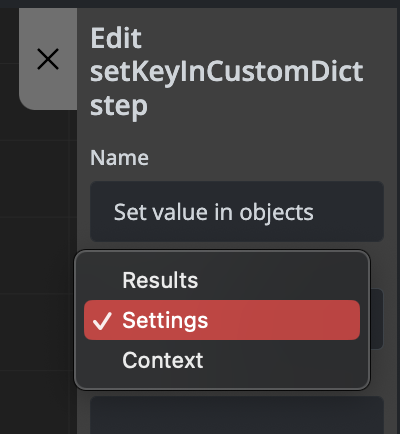
The three available objects where you can set values are:
- data - For storing and manipulating data values
- settings - For configuration and settings parameters
- context - For contextual information and workflow variables
Value Types
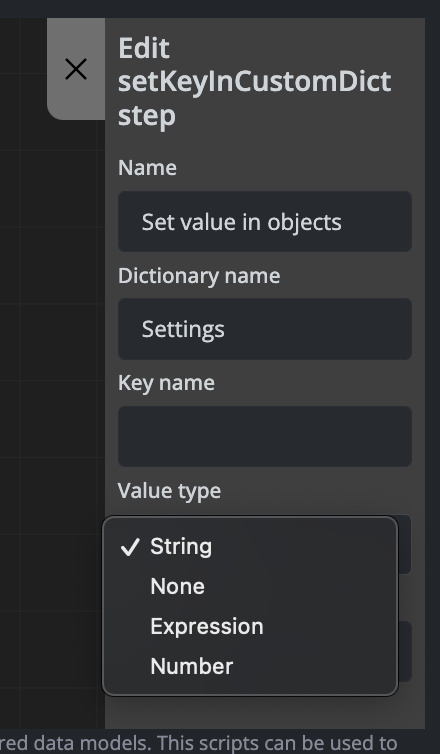
You can set values using different data types and sources depending on your requirements.
Examples
Example 1: Setting a Value in the Settings Object
Setting the uplink_rx_bytes parameter in the settings object using information stored in the data object:
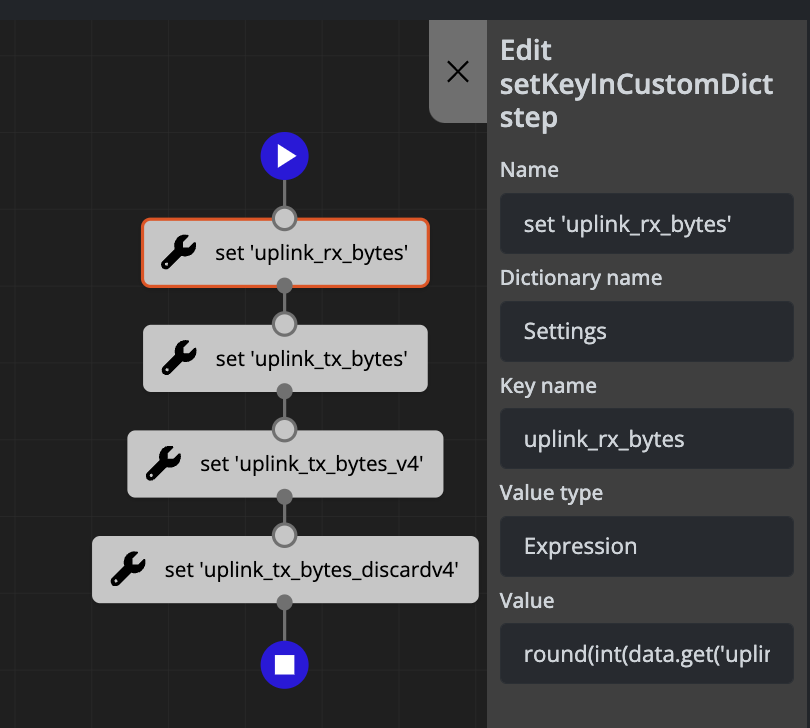
The above configuration generates the following code:
settings['uplink_rx_bytes'] = round(int(data.get('uplink_rx_bytes_val', '0')) * 0.000000001, 3)
Example 2: Adding an Email Destination to the Context Object
Adding an email destination to the context object:
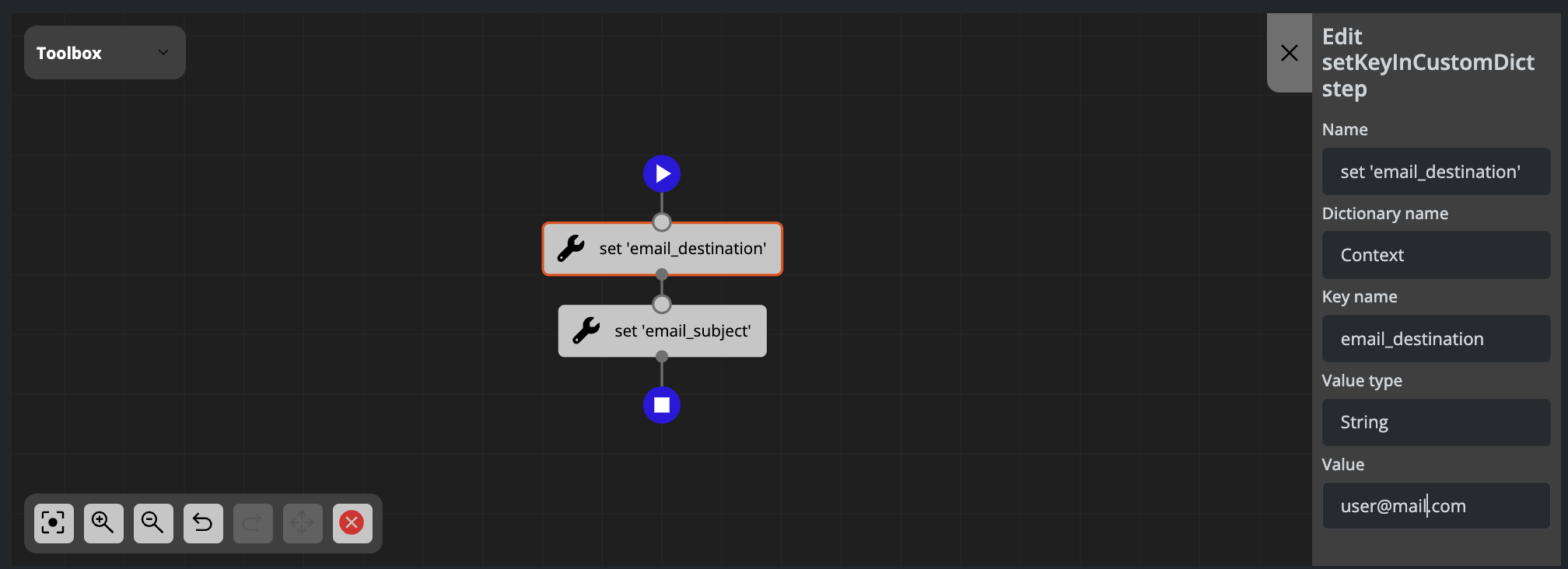
The above configuration generates the following code:
context['email_destination'] = 'user@mail.com'
Set Last Configuration in Object
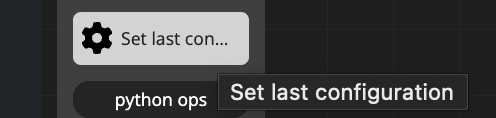
This step allows you to retrieve the last configuration and assign it to one of the available objects. This is useful when you need to access or reference previously saved configuration data within your management scripts.
Examples
Example: Setting Last Configuration in the Context Object
Setting the last configuration in the context object inside the automation_custom_output key:
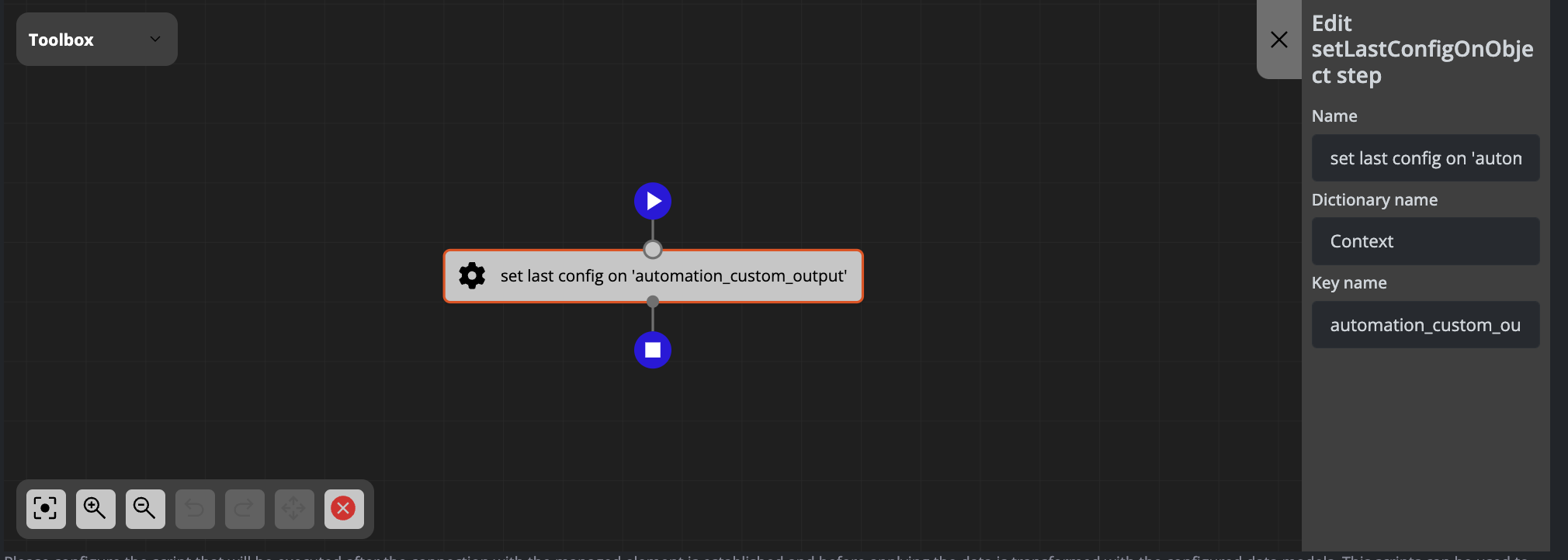
The above configuration generates the following code:
context['automation_custom_output'] = config.get_last_config()
No comments to display
No comments to display