
Models
Overview
Models in FLUX enable you to perform data transformations using different processing classes. Each model class requires specific formatting in the Model data field to define how data should be parsed and transformed.
You can validate your model's behavior by entering sample input in the Test data field and running a test to preview the output results.
Model Classes
CLI
Execute command-line instructions on a device.
Model data format: A command string that will be executed.
Structured Text
Process text containing variables in a structured format.
Model data format: Structured text with embedded variables.

Python
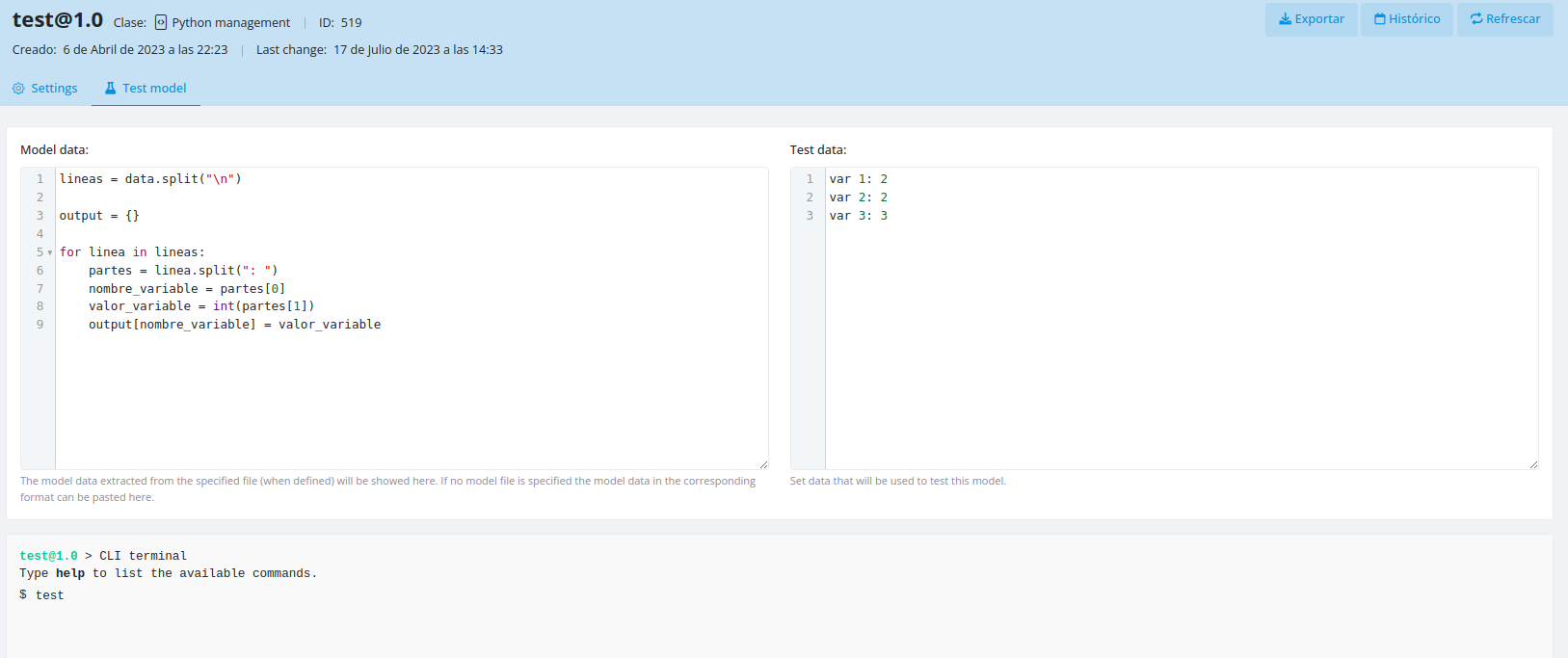
Execute Python code to transform data.
Model data format: Python code that uses a data variable, which will be populated with the content from the Test data input.

JSON & XML
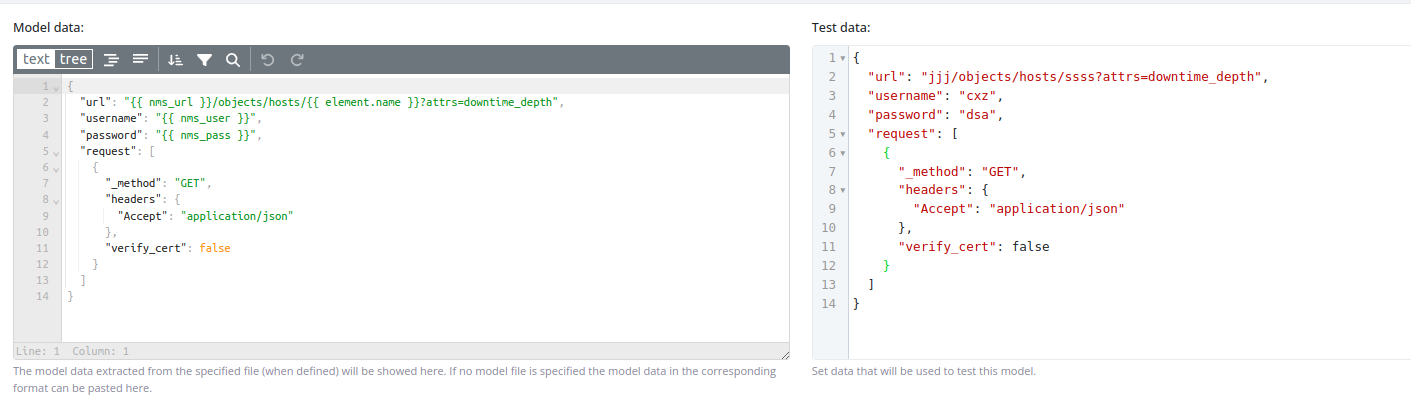
Parse and transform JSON or XML data structures.
Model data format: JSON structure with variables.
Block
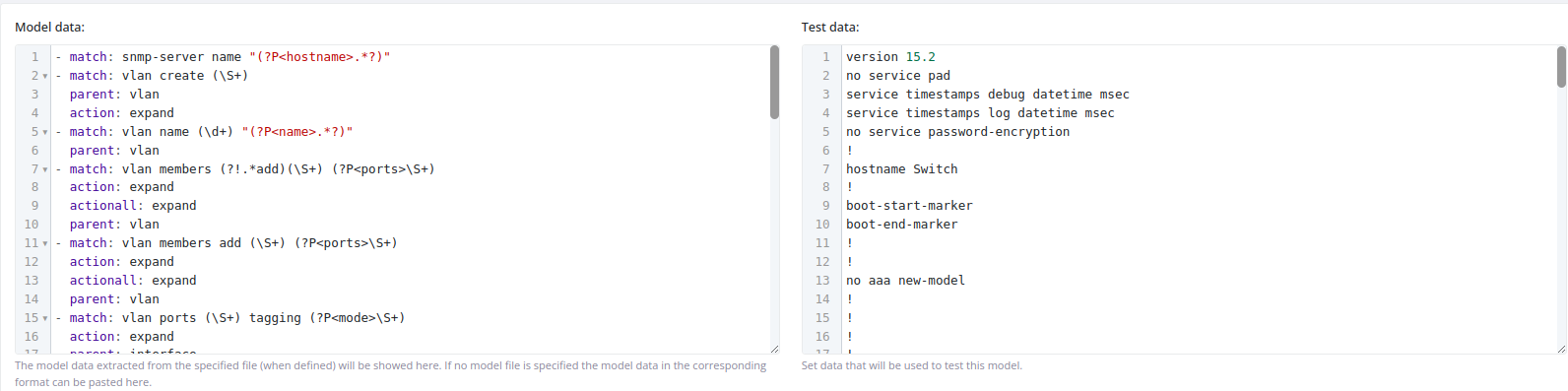
Parse block-formatted files using custom or predefined rules.
Model data format: YAML parser configuration with multiple parsing rules.
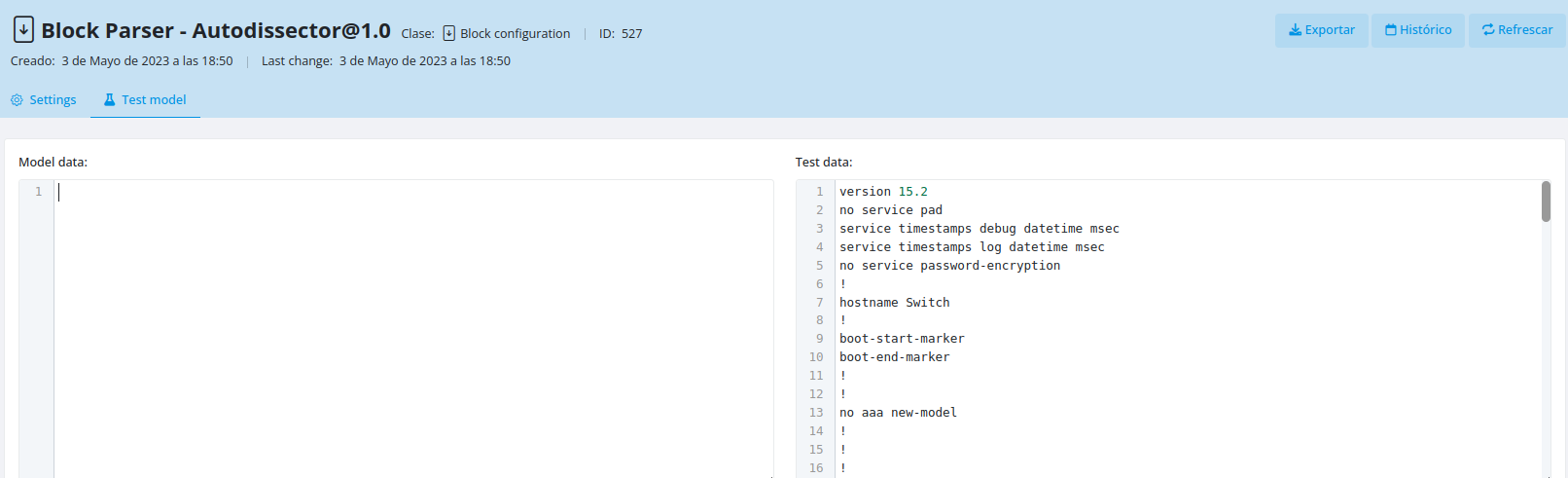
Using predefined rules: Leave the Model data field empty to automatically detect the block type and parse it using FLUX's built-in rules.
Testing Models
Basic Model Testing
Example:
Testing Against Element Context
You can test a model using the context of a specific element by entering the following in the Test data input:
id={x}
Replace {x} with the ID of the element whose context you want to use for testing.
Creating Model Templates with OpenAI
FLUX can generate model templates automatically using OpenAI based on your test data.
Prerequisites
- Create an empty model with your desired class
- Create an OpenAI helper element with the naming pattern:
openai-helper-{class}(where{class}matches your model class)
Steps
The system will call the openai-helper-{class} element, query the OpenAI API, print the generated template, and automatically evaluate it against your test data.
Dynamic Parameters
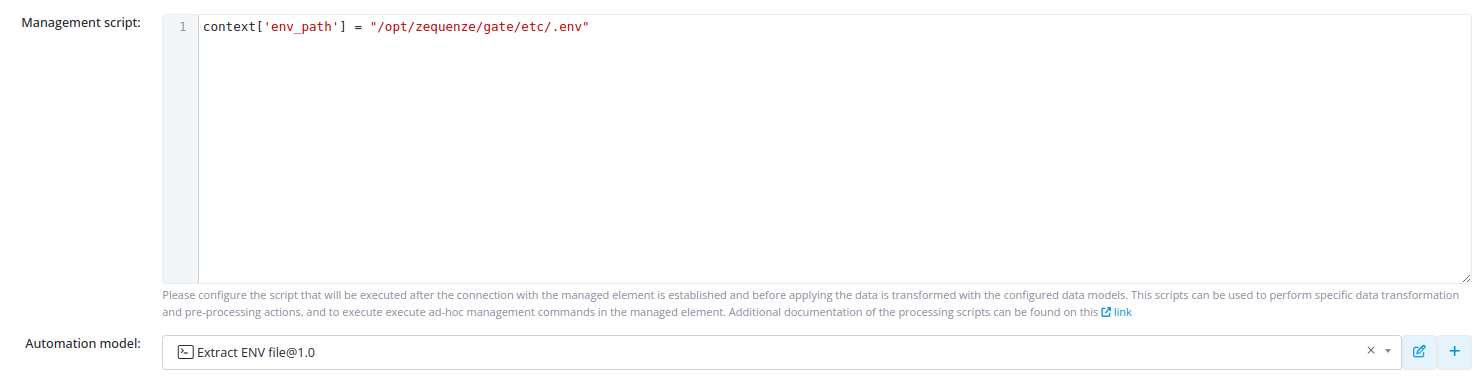
Models support dynamic variable substitution using element context data. Variables can be loaded in steps prior to model execution, allowing the model to replace them during transformation.
Example configuration:

Example usage:
No comments to display
No comments to display