Exporting and Importing with dependencies
Several models inside zequenze platforms can export and import data with all their dependencies
Export with dependencies:
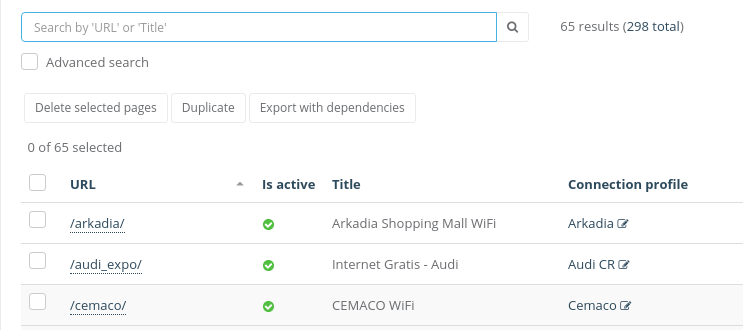
When a model can be exported with dependencies, Export with dependencies button will be available under the search bar
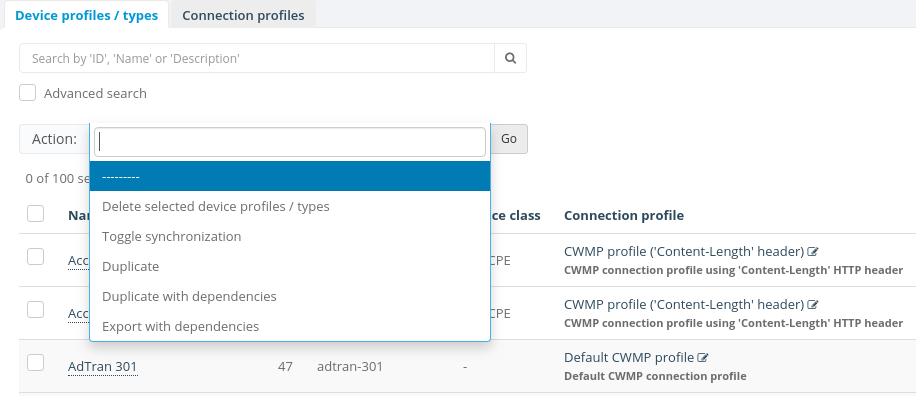
Sometimes the Export with dependencies button will inside the action menu under the search bar
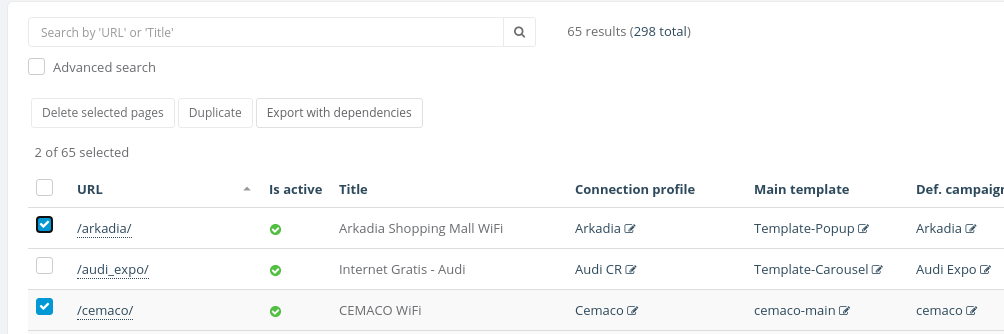
To start the process you can easily select the objects you want to export and click Export with dependencies button
Finally, you will see a .json file downloaded into your computer
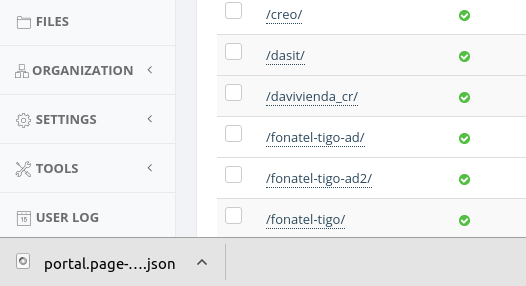
It's important to notice that this JSON file will be used when we want to import with dependencies
Import with dependencies
To begin the process of import with dependencies you should click on Import button located in the top right corner of the principal view
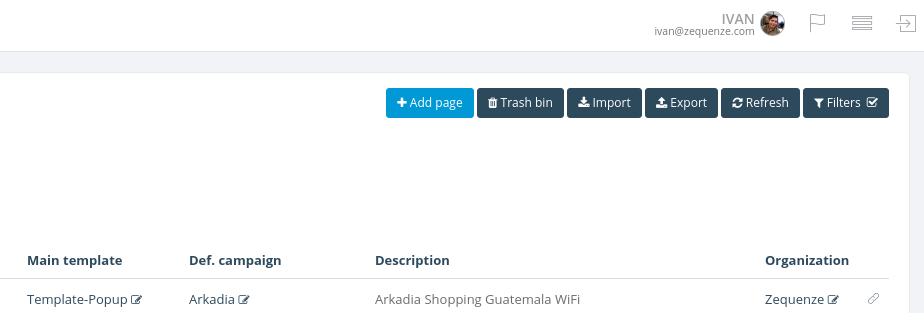
You will see the Import with dependencies form
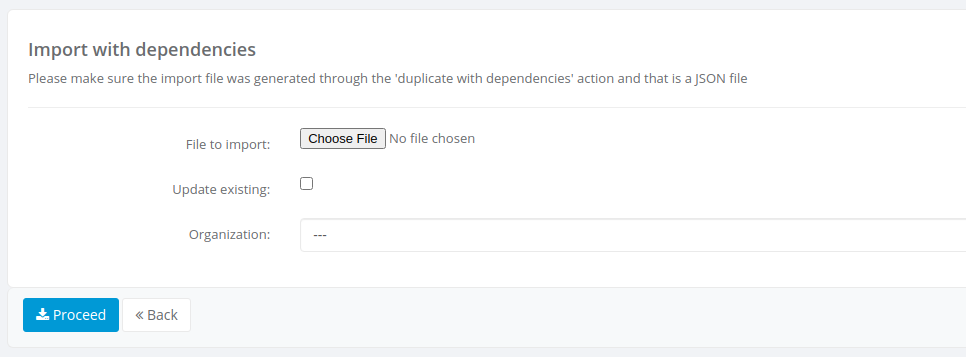
Here you must select you .json file and the organization on which you want the object(s) to be created, the Update existing checkbox is used when the objects exist already on the organization you're trying to import. When checked the platform will try to update the existing objects and if those don't exist they will be created.
Note: make sure the .json file is one generated by an export with dependencies process
Once selected the .json file, the organization and either checked or not updating existing, you must click on Proceed button
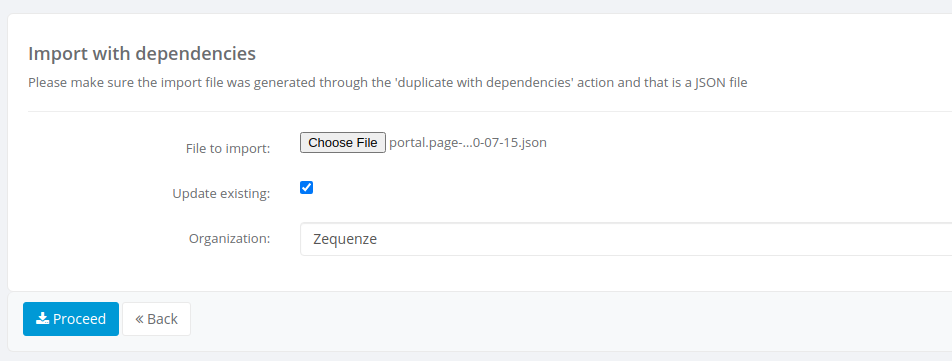
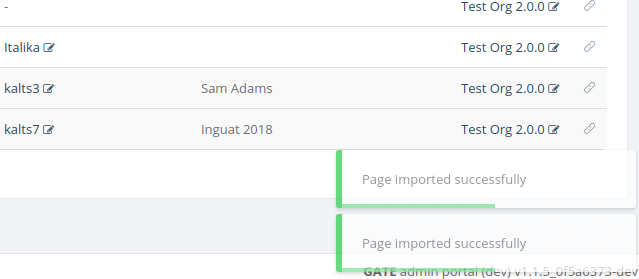
After the process completed successfully you will see a success message on the bottom right corner on the principal view