Exporting and Importing with dependencies
Several models inside zequenze platforms can export and import data will all their dependencies
Export with dependencies:
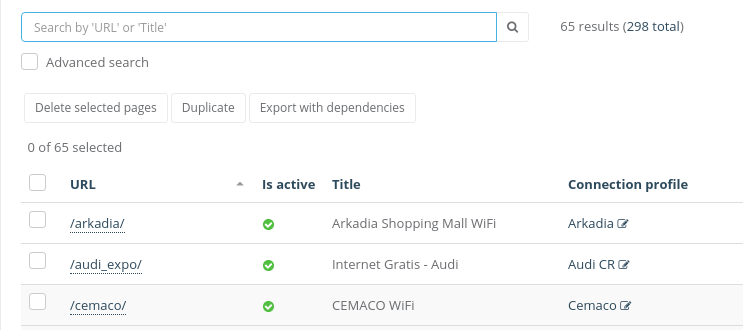
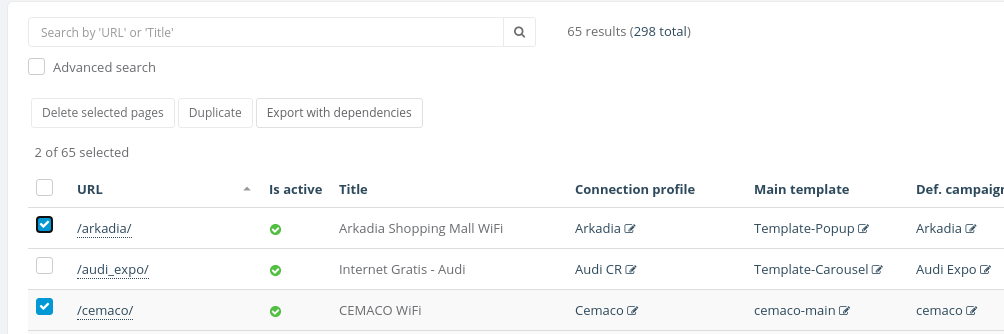
inWhen ordera tomodel exportcan be exported with dependencies, Export with dependencies button will be available under the search bar
Sometime the Export with dependencies button will inside the action menu under the search bar
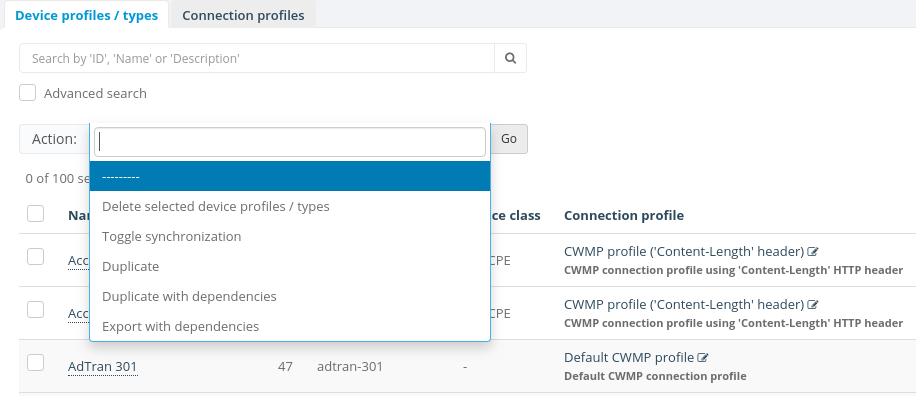
To start the process you gottacan firsteasily select the objects you want to export
Finally you will see a .json file downloaded into your computer
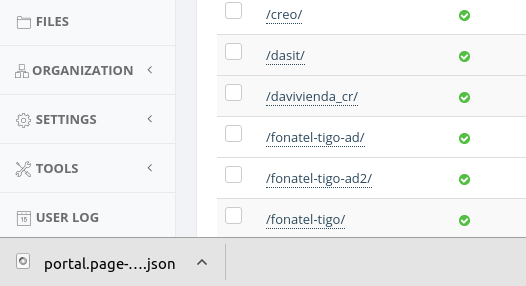
It's important to notice that this json file will be used when we want import with dependencies
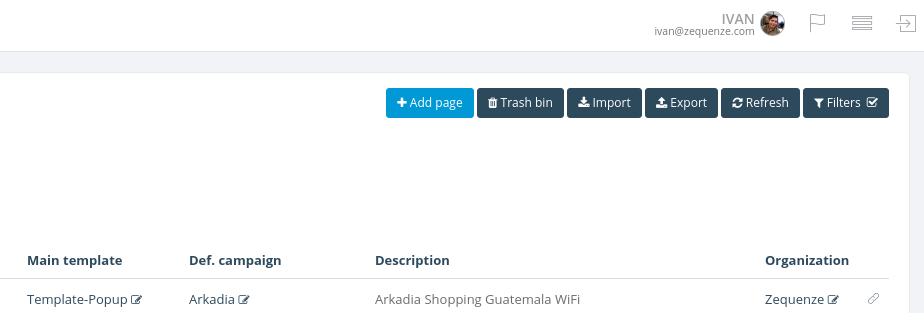
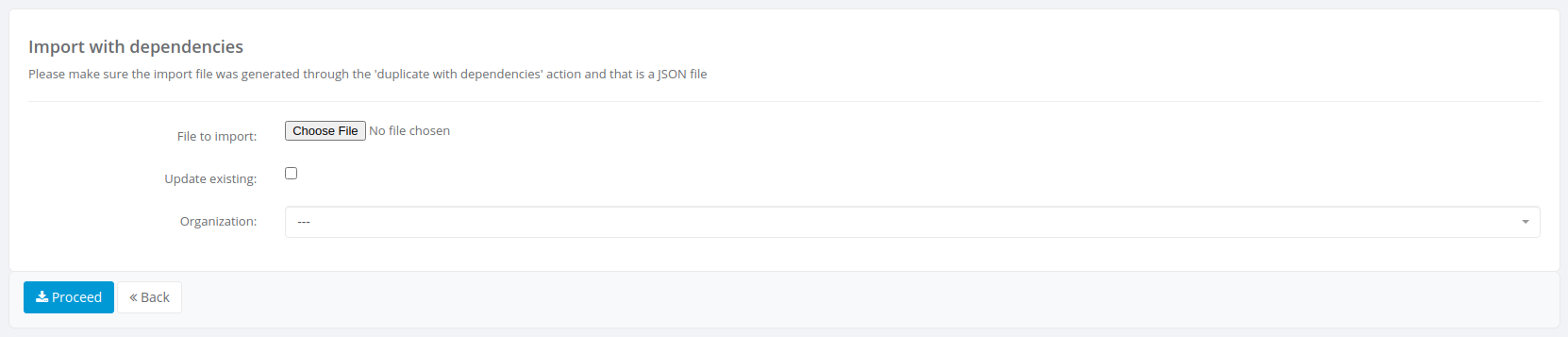
Import with dependencies